- Communities & information
Absence Management with Absentify and Microsoft Teams
Leave and absence requests inside Microsoft Teams, instead of spreadsheets.
- Period
- 2024–2026
- Status
- In production
- Role
- Implementation lead
- Client
- Equip Moçambique
Problem
The leave schedule lived in a shared Excel sheet. Requests and approvals went through messages, and nobody had a clear view of who was away.
Solution
I set up Absentify inside the organisation's Microsoft Teams: absence types (holiday, leave of absence, unexcused absence, sickness, parental leave, business travel), approval rules and links to holiday allowances. I migrated the Excel schedule and supported the team's adoption.
Technical decisions
01
Inside Teams, where the team already works
Instead of yet another tool with its own login, requests and approvals happen in the Teams everyone already uses.
02
Approval only where it matters
Holidays and leave of absence need approval and holidays come out of the allowance; other types are recorded without that step.
Images
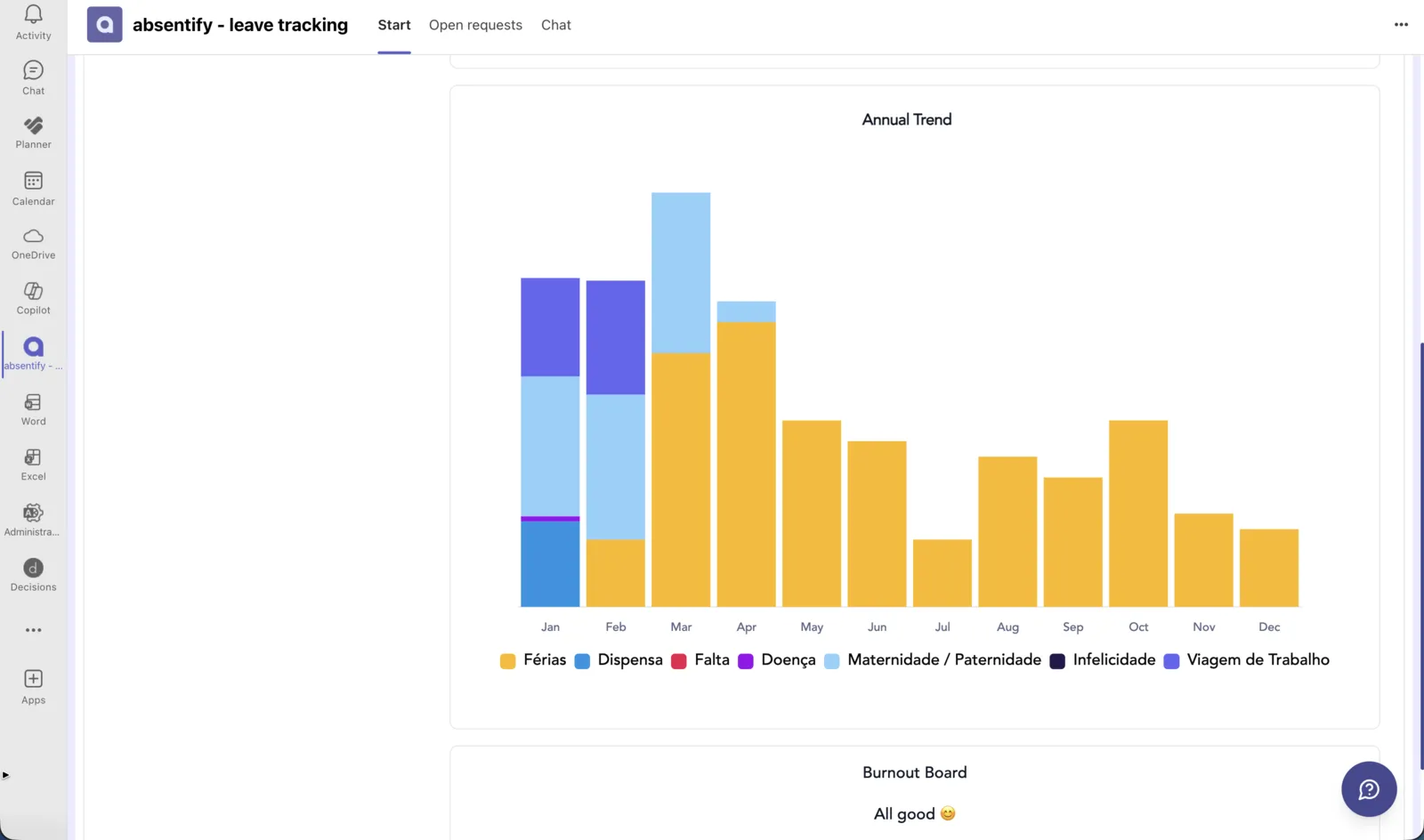
01 / 03 — Annual absence trend by type, inside Microsoft Teams